Job tickets go straight into the machine
Job tickets become device commands — no parameter re-entry at the press.
Color, layout, and consumable parameters are dispatched alongside every job ticket. Two forms: built-in DFE and external AutoPrintBot.
From job ticket to machine
Paper, color, and layout parameters are dispatched by the system — no manual setup at the press.
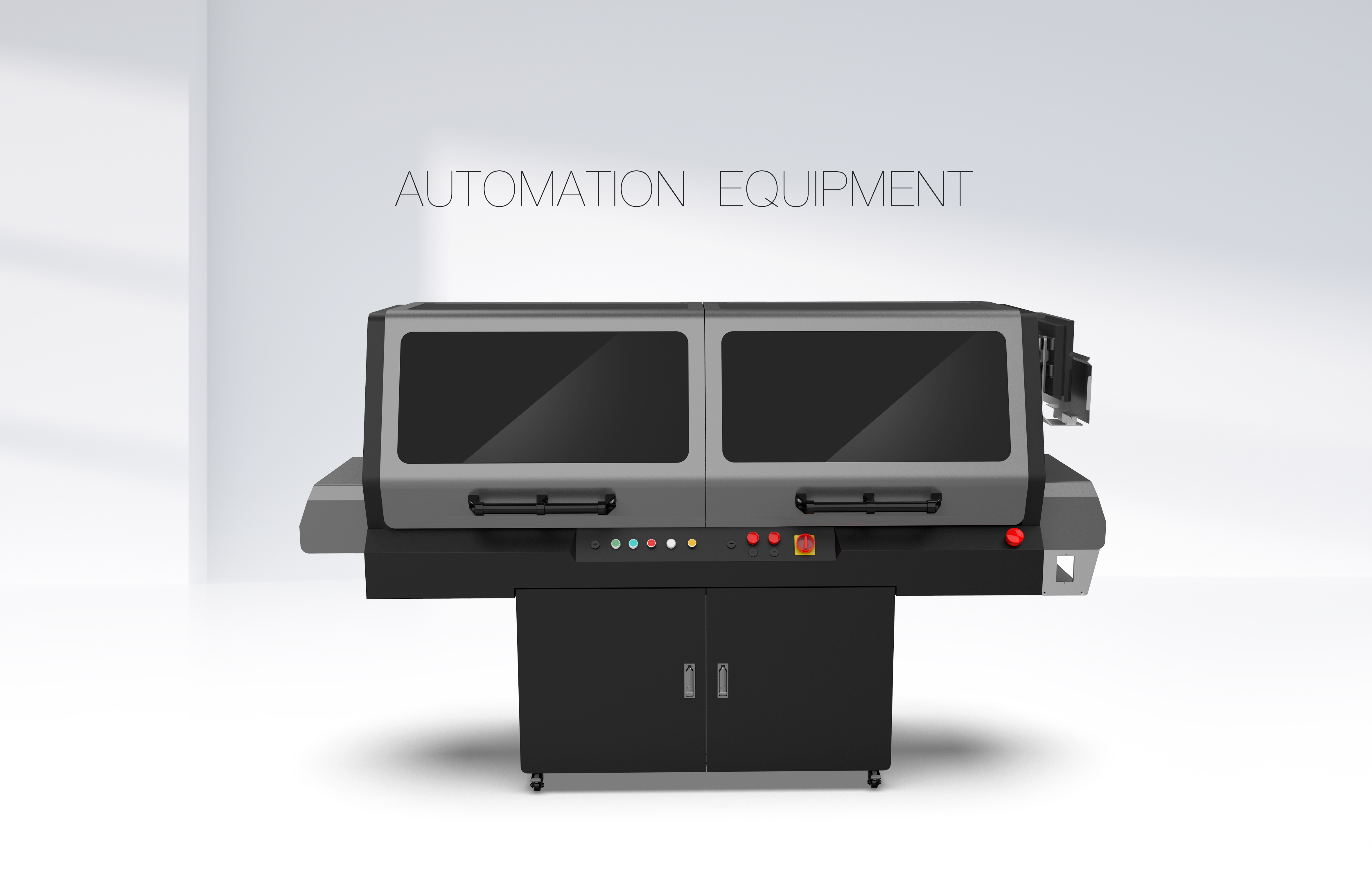
We provide device control; we don't manufacture equipment. Existing production-line devices can connect directly.
One core, two delivery forms: a built-in version co-developed with equipment manufacturers, and an external version running on standard protocols.
DFE Digital Front End
Co-developed with equipment manufacturers, built into the machine. Comparable to Fiery and HP PrintOS — tightly integrated with the device, managing RIP, color, media, and consumables.
Production Dashboard
Output volume, completion counts, and queued jobs in one view.
Job Management
Queue, priority, and job details with urgent job insertion support.
Prepress & Color
Built-in preflight and imposition; RIP output and color management follow media parameters.
Media & Consumables
Media library, device status, and consumable levels with reporting and low-stock alerts.
AutoPrintBot — Automatic Printing Robot
Mounted outside the machine, communicating via JDF / JMF / IPP standard protocols. One robot per device; multiple robots form a print array.
One job, five steps
All five steps execute within the robot.
Web Orders
Orders from the ordering system dispatched directly to the robot.
API Integration
E-commerce or ERP pushes orders via API with configurable fields.
Hot Folder
Monitors a designated directory; file drop triggers the job.
Scan & Print
On-site scan of the work-order code; executes per ticket parameters.
Multiple robots form an array with cluster scheduling and unified monitoring. Each new device gets an additional robot.
Runs on JDF / JMF / IPP standard protocols, also supports driver-free and native drivers — depends on the model.
Two forms, decided by the device
Models already co-developed and adapted use DFE, built deeper into the machine; remaining devices connect externally via AutoPrintBot on standard protocols.
| Comparison | DFE Digital Front End | AutoPrintBot |
|---|---|---|
| Where | Inside the machine — built-in | Outside the machine — external |
| How it connects | Co-developed with equipment manufacturer, native device interface | JDF / JMF / IPP standard protocols, also driver-free and native drivers |
| Depth of control | Deep. RIP, color, media, consumables, and device status all under control | To the extent the protocol allows. Jobs, status, and array scheduling covered |
| Deployment unit | One DFE per machine | One robot per device; multiple form an array |
| Delivery | Delivered with the equipment | Delivered with deployment |
Both can run simultaneously. Adapted models use DFE; remaining devices connect via AutoPrintBot. Jobs are dispatched from the same upstream system — the on-site experience is identical.
Connecting one Fiery means connecting a batch of devices
Not every digital press has its own unique digital front end. Most models share Fiery; the remaining lines each have their own front end and connect separately.
Models sharing Fiery
These manufacturers' digital presses widely use Fiery as the digital front end. By integrating at the Fiery layer, these models are covered without per-brand development.
Models with their own front end
These lines each have their own digital front end and follow a separate integration path.
The above are adapted devices. Unlisted models require protocol confirmation before integration.
The brand names and product names mentioned above are trademarks of their respective owners. They are used here solely to describe device compatibility and do not imply any partnership or authorization.
Flexible Label Direct Print
Self-developed machine with built-in DFE. Supports variable data, coding, and match verification.