Controllable AIGC
Generation isn't the end. Alignment, compliance, and layout to spec — that's deliverable.
Two parallel capabilities: visual-side does element-level generation and layout; text-side does content alignment, compliance checking, and spec-compliant output. Both share the same loop — generate → verify → standardize.
Generate → Verify → Standardize — visual and text follow the same path
Generic LLM tools stop at step one. What actually blocks enterprises is the next two steps — who ensures it's correct, who ensures it's ready to use.
Constrained generation
Visual: regenerate a selected element, rest of the canvas stays put; Text: write within given data, scope, and templates — no free-form generation.
Alignment & compliance
Are images compliant and aligned with brand/design specs? Does text match source data, stay within bounds, and cover all required clauses?
Standardized output
Visual: print-ready vector output per print specs; Text: layout per audit reports, legal contracts, official documents, or sentiment report templates before delivery.
Smart Designer: Professional-grade precision, canvas-simple workflow
AIGC down to the element — only the element you want to change gets regenerated, everything else stays. Canvas-style drag layout, or one-click layout. Entry: designer.imagecolor.cn.
Element-level AIGC
Select background, subject, or any graphic to regenerate independently — the rest of the canvas stays put. Controllable, not re-roll every time.
Canvas layout
Drag, align, layers, templates, and asset library — the workflow designers know, easy enough for non-designers.
One-click layout
Provide assets and content; auto-match layout to generate multiple options. Brand colors, fonts, and logo placement follow preset rules.
Bitmap-to-vector & compliance
Convert generated images to print-ready vector files. Bleed, color, font, and resolution checked before output.
Content standardization: after writing, it still needs to align, comply, and fit the template
Same logic as the visual side, just applied to text: AIGC generation → content alignment & compliance checking → layout output per industry-standard templates.
Layout can be configured to your own templates: import your current report and document templates, and all output will follow them.
Engines, tools & applications
| Product | Position | Role |
|---|---|---|
| Smart Designer ↗ | Visual flagship | Element-level AIGC, canvas layout, one-click layout, bitmap-to-vector & compliance. |
| Content Standardization | Text flagship | Content alignment, compliance checking, and standardized layout — covering audit reports, legal contracts, official documents, and sentiment reports. |
| AI Platform ↗ | Core engine | Multi-modal LLM-powered intelligent design engine, covering document processing, image generation, and enterprise AI applications. |
| Sentiment Platform ↗ | Text application | Full-spectrum sentiment collection and AI analysis, real-time brand monitoring, output in daily / weekly /专题 format. |
| PPTMaker ↗ | Text application | Auto-generate professional presentations from topics, with preset layout and brand rules. |
| StickerFlow ↗ | Visual application | AI sticker and emoji generation mini-program, generating personalized stickers from text descriptions. |
AI isn't standalone — it connects bidirectionally with both other lines
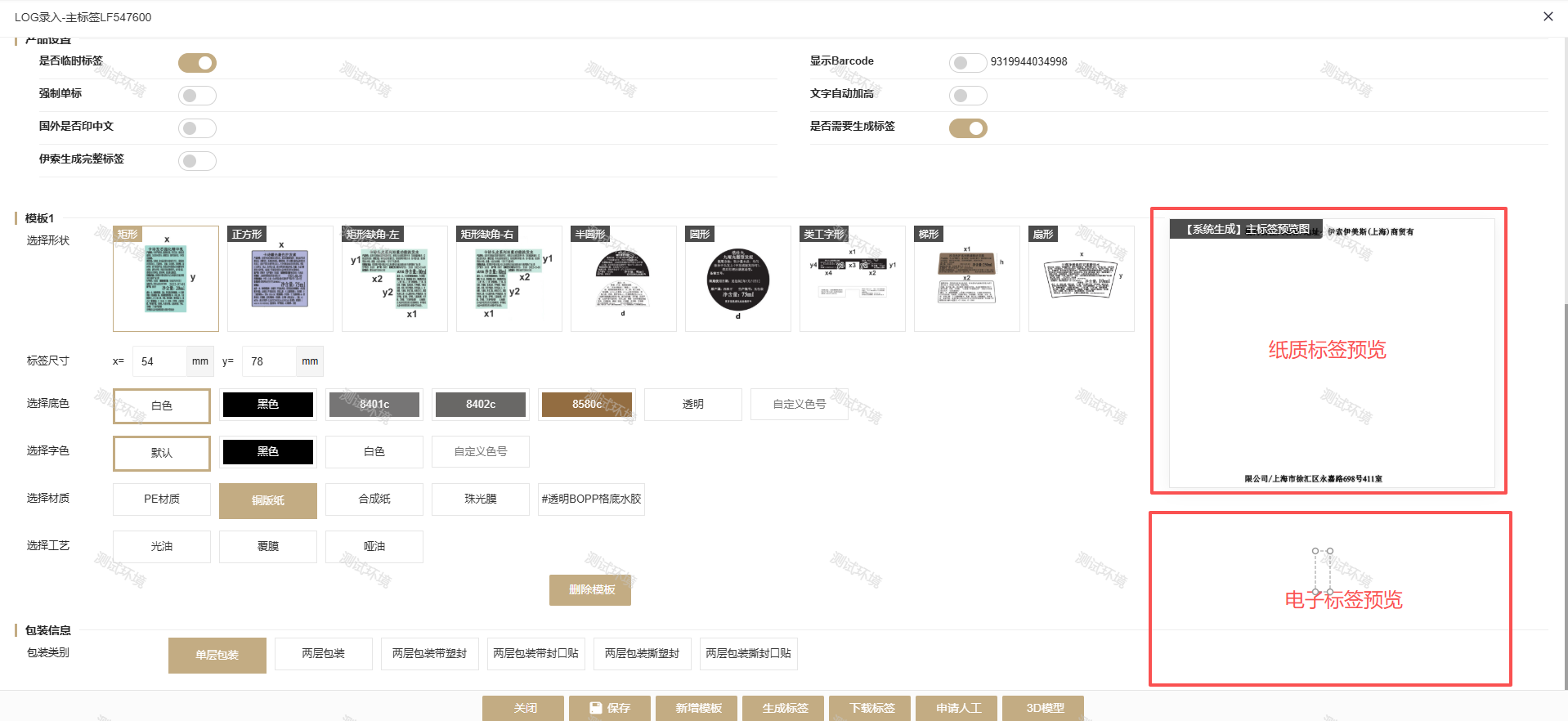
Smart Designer serves both the label line and the printing line: packaging, label artwork, and print artwork are all generated and laid out here. After compliance checking, they flow directly into prepress and production — no need to redo them in another tool.
The text side applies the same 'alignment → compliance → layout' workflow to documents, serving brand disclosure, legal, and official document scenarios.
Four most frequently asked questions
How is this different from using a generic LLM directly?
Generic tools solve 'generation'; we solve 'can it be delivered': generation is constrained by layout and data, output must pass compliance and spec checks, and finally it's laid out per your templates. Those missing two steps are exactly where enterprises get stuck.
How does element-level generation work in practice?
Select an element on the canvas — background, subject, graphic, or text block — and regenerate or replace only that element. Other elements and layout positions stay unchanged. Iterate until satisfied.
Can we use our own templates and specs?
Yes. Visual side presets brand colors, fonts, and logo rules; text side imports your current report, contract, and official document templates — checks and output layout both follow them.
Can generated artwork go straight to print?
Yes. Bitmaps are converted to vector, then checked for bleed, color, font, and resolution. The output is a print-ready file that goes directly into prepress and production.